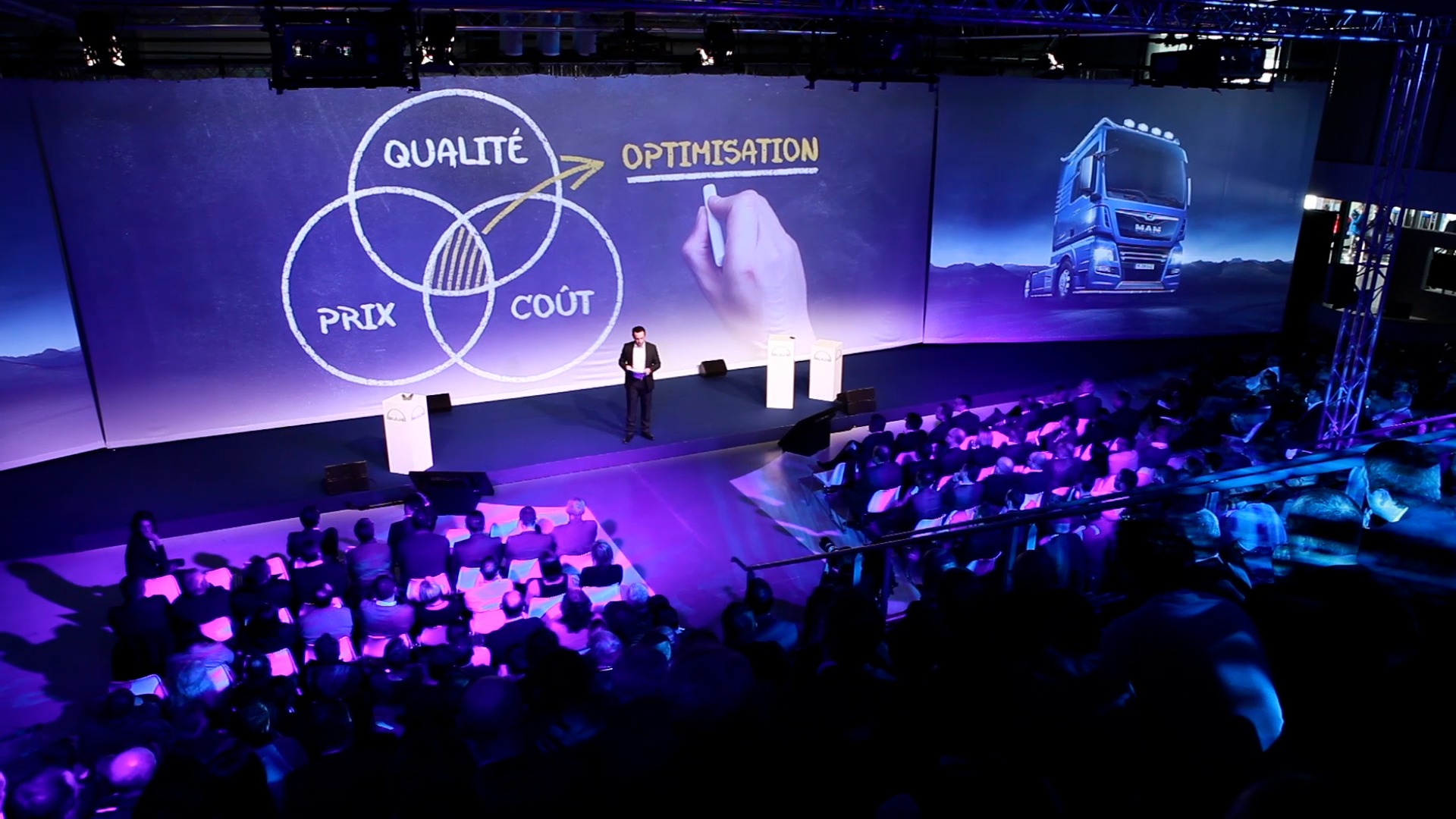
Conference, convention, round table, general meeting or executive address: the multi-camera shoot is today the most effective way to capture a professional event with energy and quality.
With several cameras filming simultaneously from different angles, the edit gains pace and viewing comfort. Cutting between shots highlights the speakers, the audience’s reactions, the projected presentations or the exchanges between participants.
Two approaches are generally possible.
Live production
The first is to produce the programme live. A director steers the various cameras in real time to create a video feed ready to be shown on a giant screen, streamed or broadcast on a dedicated platform. This production can integrate graphic overlays, titles, logos, pre-recorded videos, PowerPoint presentations or speakers connecting remotely from anywhere in the world.
Recording for post-production
The second approach favours recording all the video sources so the edit can be done in post-production after the event. This option offers more flexibility to fine-tune the pace, correct certain elements and deliver a final master perfectly optimised for the company’s internal or external communication.
Both approaches give an event lasting value and extend its impact well beyond the day itself.
The choice between these two methods depends on the project’s goals, but each one extends an event’s reach and turns it into genuine communication content.
At ORYGEN FILMS, we support our clients in designing and producing bespoke multi-camera setups, whether for live broadcast, live streaming or productions intended for post-production. Our ambition is to create content that gives meaning to the speeches, events and messages carried by organisations.